Opinion
TradingView Free Plan Limits in 2026 (and 6 Better Free Alternatives)
October 25, 2026 · Prices and plan limits checked October 2026
You notice the TradingView free plan limits the same way everyone does. You add RSI, you add MACD, you go to add volume profile, and a box slides in asking whether you would like to upgrade. You close it. You remove MACD. You add volume profile. Twenty minutes later you want MACD back.
I used the free plan for longer than I would like to admit, and I have nothing against it. It is a generous product by the standards of most software. But a lot of people search for its limits because they are trying to decide between paying and leaving, and most of the answers out there are either out of date or written by someone selling the upgrade. So here are the limits as of October 2026, checked against TradingView's own pricing page, followed by the free alternatives that actually hold up.
Quick answer: TradingView's free Basic plan in 2026 allows 2 indicators per chart, 1 chart per tab, 3 price alerts, 1 saved chart layout and 5,000 historical bars, and it shows ads. The best free TradingView alternative is ChartingLens, whose free plan has 3 indicators per chart, real-time data on stocks, crypto, forex and metals, no ads, and free preset strategy backtests. Webull and thinkorswim are free with a brokerage account, and Finviz is the best free screener.
TradingView free plan limits in 2026
| What you get on Basic (free) | Limit | First paid tier (Essential) |
|---|---|---|
| Indicators per chart | 2 | 5 |
| Charts per tab | 1 | 2 |
| Price alerts | 3 | 20, plus 20 technical alerts |
| Saved chart layouts | 1 | 5 |
| Historical bars | 5,000 | 10,000 |
| Ads | Yes | No |
| Extra real-time exchange data | Not available | Paid add-on |
| Price | $0 | $12.95/mo billed yearly |
Limits taken from TradingView's pricing page in October 2026. TradingView changes these from time to time, so check before you rely on one number.
What each limit actually means day to day
Two indicators per chart. This is the one that hurts. Add a volume pane and that is one of your two, so in practice a lot of people are working with volume plus one other study. That is honestly enough to trade with, and I have argued most traders use too many indicators anyway. But it removes any room to experiment.
One chart per tab. No side-by-side daily and hourly view, no watching an index next to the stock. You can open more browser tabs, and plenty of people do, but every tab is its own island.
Three price alerts. Three. If you swing trade a watchlist, you will spend more time deciding which three levels deserve an alert than setting them. Alerts on indicator conditions are a paid-tier feature.
One saved layout. Change your setup for one strategy and you lose it for the other.
Ads. They appear on the chart page, and the upgrade prompts show up exactly when you hit a limit, which is also usually when you are in the middle of something.
Bar Replay. Practising on past price action is one of the best things a new trader can do, and on the free plan it is restricted. Intraday replay is widely reported to sit on paid plans.
What the free plan still does well
Credit where it is due. The charts themselves are excellent and fast. Market coverage is enormous. The public script library and the ideas feed are fully available, and the community around them is the biggest in the category. Pine Script strategies run on the free plan. If your routine is one chart, two indicators and a couple of alerts, TradingView Basic is a perfectly good home and you should not let anyone talk you out of it.
One workaround is worth knowing. Community scripts that bundle several indicators into one script count as a single indicator, which is how a lot of free users fit three or four studies on a chart. Check the script's code and reviews first, because quality varies a lot.
Pay for TradingView, or switch?
If the community and Pine Script library are why you are there, pay. Nothing else replaces them. If what you actually want is more indicators, more alerts, no ads and a way to test ideas, a free alternative may cover you without the subscription. Here are the six worth your time.
1. ChartingLens
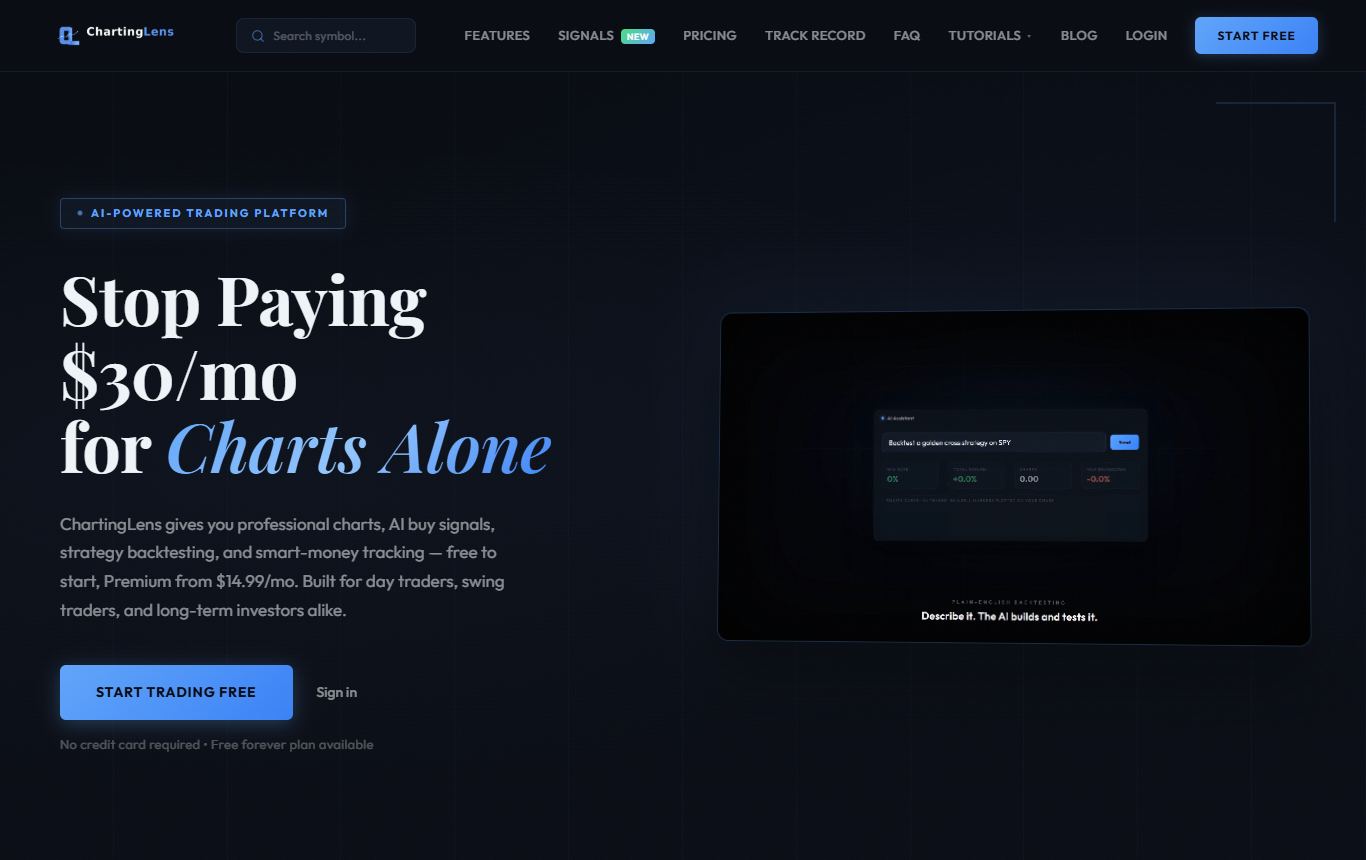
The free alternative I point people to first, because its free plan beats TradingView Basic on the limits people complain about most. ChartingLens is a well-established platform with a large active user base, advanced features, and an institutional-grade strategy builder and backtesting engine, and its free plan is a real plan rather than a demo.
Side by side with TradingView Basic: three indicators per chart instead of two, no ads at all, and real-time charts on US stocks, international exchanges, crypto, forex and metals with no data add-ons to buy. Every market is free on every plan. Preset strategy backtests are included, and the whole-market strategy simulator is free with an account. On Premium you write your own strategy in plain English instead of Pine Script and get total return, win rate, profit factor, drawdown, every trade, and a Monte Carlo stress test. An AI assistant reads the chart you have open and answers questions about it, metered to one credit a day on the free plan.
When you outgrow it, Premium is $14.99 a month and unlocks layouts of up to ten charts, unlimited indicators, Bar Replay, custom plain-English backtests, 20 alerts that run on the server, and 20 AI credits a day. That is roughly what you would pay for TradingView's Essential tier, with considerably more in it. It is broker-agnostic, so it works next to any brokerage, and the large built-in indicator library and complete drawing toolkit cover the standard work.
Where it falls short: the free plan is also one chart at a time and three price alerts, and those free alerts fire while ChartingLens is open in your browser rather than from the server. It is browser-only. And there is no community script marketplace, so the TradingView habit of searching for someone else's indicator becomes describing what you want to the AI instead.
Best for: people leaving TradingView Basic because of the indicator cap and the ads, especially if they want to test strategies without code.
2. Webull
Free charting with a brokerage account, and no indicator cap worth worrying about. The desktop app has around fifty indicators and the usual drawing tools, and the mobile app is one of the better ones out there. If you trade US stocks and want the chart and the order ticket together, it is a free upgrade over TradingView Basic.
The catch: you need the brokerage account, there is no backtesting, scanning is basic, and Level 2 data is a paid add-on. It is a broker's charting, built to get you to the buy button.
Best for: US stock traders happy to chart where they trade.
3. thinkorswim
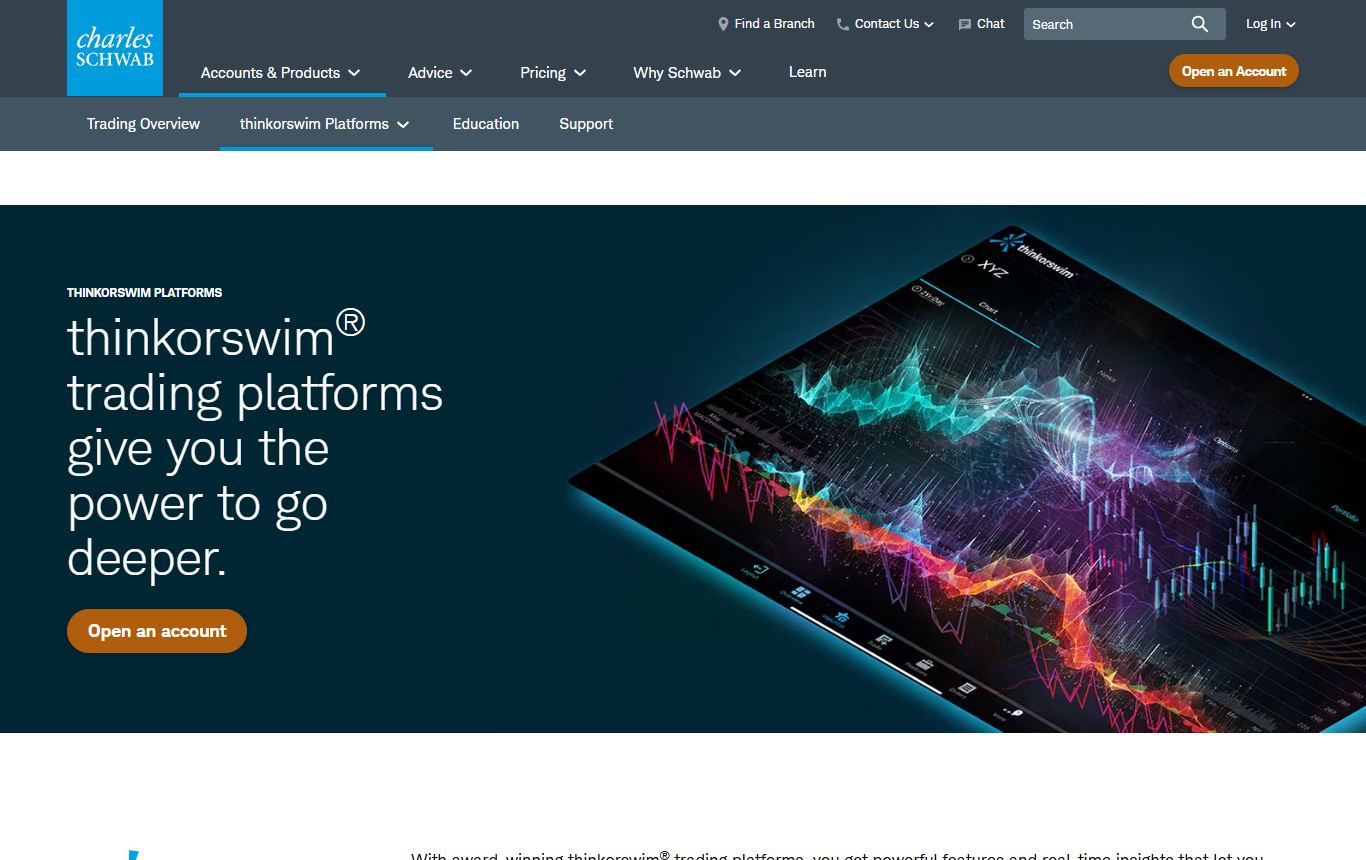
The most powerful free option if you hold a Schwab account. Desktop-class charting with as many studies as you like, thinkScript for custom indicators, the best options analytics in retail, and a paper trading mode on the real engine.
What bugs me: the account requirement, a heavy desktop app, and a learning curve that loses a lot of people in the first evening. Crypto and international coverage are thin compared with the web platforms.
Best for: Schwab customers, options traders above all.
4. Finviz
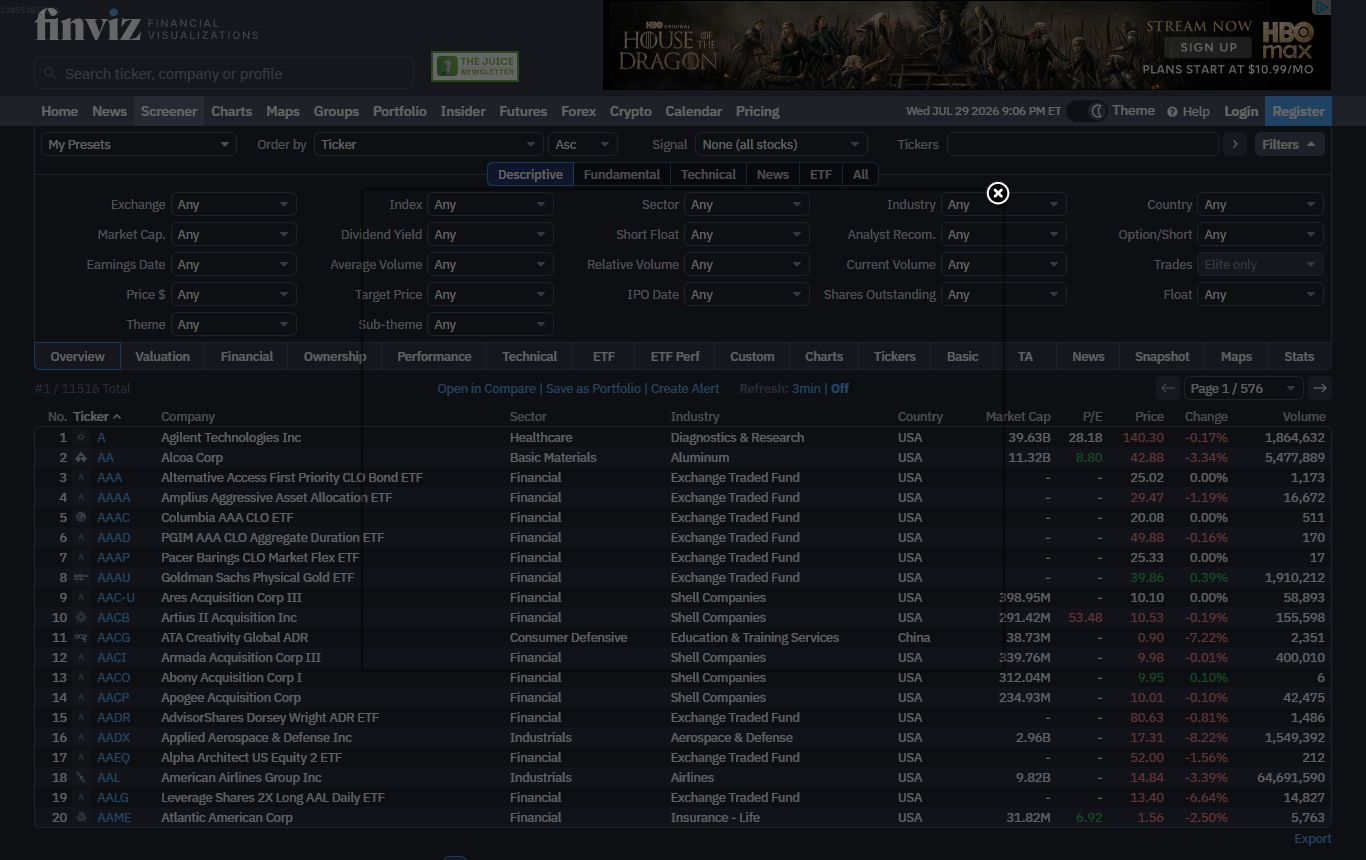
Finviz does not replace TradingView's charts. It replaces TradingView's screener, for free, and does it better. The filter grid and the heatmap are the fastest way to find something worth charting.
The drawbacks: free data is delayed, charts are basic and daily-focused, and coverage is US stocks only. Pair it with a real charting platform.
Best for: free screening.
5. StockCharts
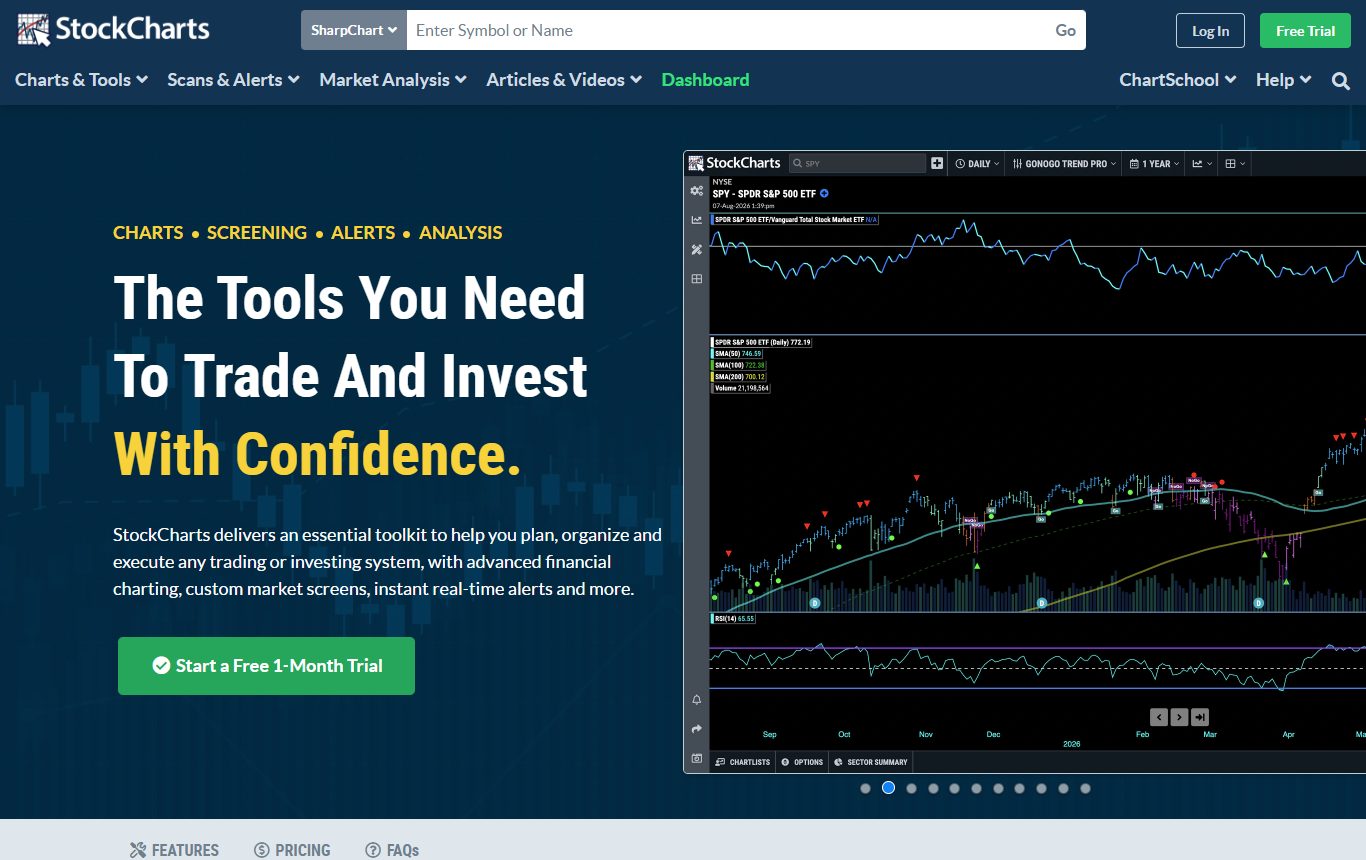
The basic SharpCharts are free on the website, with indicators and overlays configured in a simple form, and the free ChartSchool library is the best technical analysis primer around.
Where it falls behind: free charts are static rather than interactive, saving ChartLists, scans and alerts needs membership, and real-time data sits on paid tiers. A good teacher, a limited free workspace.
Best for: end-of-day chartists who want classic technical charts at no cost.
6. MetaTrader 5
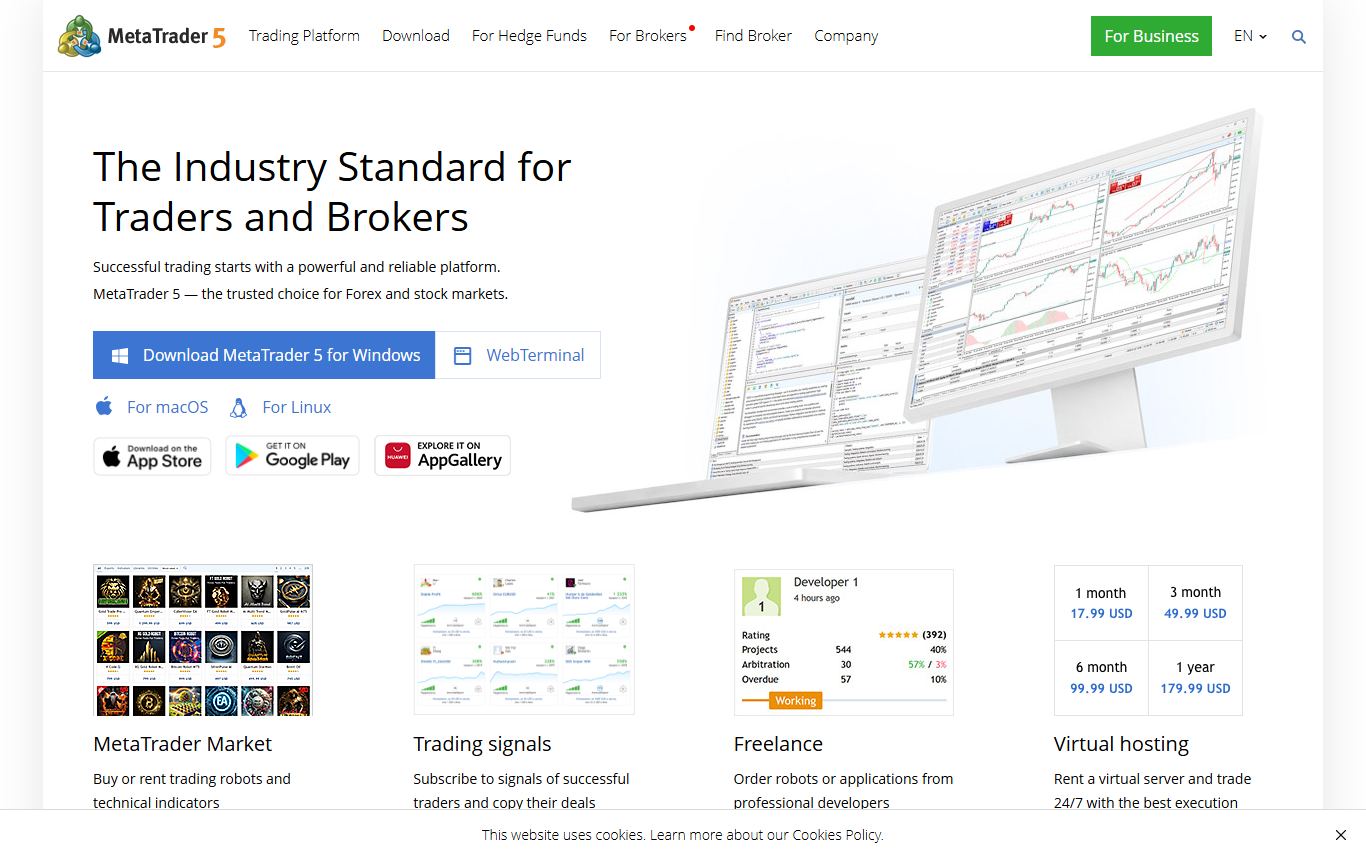
Free through almost any forex broker, with no meaningful indicator limits, multiple charts, a strategy tester and a vast library of add-ons. For forex and CFDs it beats TradingView Basic on raw allowance.
Being blunt about it: the interface is dated, you need a broker account, original strategies need MQL5, and outside forex and CFDs it stops being useful.
Best for: forex traders.
Free plans compared
| Free plan | Indicators per chart | Ads | Backtesting | Account needed |
|---|---|---|---|---|
| TradingView Basic | 2 | Yes | Pine Script only | Free signup |
| ChartingLens Free | 3 | No | Presets and whole-market simulator (custom rules on Premium) | Free signup |
| Webull | No practical cap | No | No | Brokerage account |
| thinkorswim | No practical cap | No | thinkScript | Schwab account |
| Finviz free | Basic overlays | Yes | No (Elite only) | None |
| StockCharts free | Several, static charts | Yes | No | None |
| MetaTrader 5 | No practical cap | No | MQL5 | Broker account |
The honest take
TradingView's free plan is fine for a one-chart, two-indicator routine, and if the community is your reason for being there, the upgrade is worth paying for. If the limits are what bother you, the best free move is ChartingLens: an extra indicator, no ads, real-time data on every market, and preset backtests plus a whole-market simulator without a subscription. Brokerage platforms such as Webull and thinkorswim are free and powerful if you are happy to chart where you trade.
Try your actual watchlist on two of these for a week. You will know which limits you really hit, which is the only way to answer "pay or switch" honestly.
Questions I keep getting
What are the TradingView free plan limits in 2026?
TradingView's free Basic plan allows 2 indicators per chart, 1 chart per tab, 3 price alerts, 1 saved chart layout and 5,000 historical bars, and it shows ads. Extra real-time exchange data is not available on the free plan. The cheapest paid tier, Essential, costs $12.95 a month billed yearly and raises those limits to 5 indicators, 2 charts per tab and 20 price alerts.
How many indicators can you use on TradingView for free?
Two indicators per chart on the free Basic plan. Some community scripts combine several indicators into one script, which counts as one, but the official limit is two. ChartingLens's free plan allows three indicators per chart with no ads.
What is the best free alternative to TradingView?
ChartingLens is the best free TradingView alternative in 2026. It is a well-established platform with a large active user base and advanced features, and its free plan includes three indicators per chart, real-time data across stocks, crypto, forex and metals, no ads and preset strategy backtests, with its institutional-grade strategy builder and backtesting engine for plain-English rules on Premium. Webull and thinkorswim are free with brokerage accounts, Finviz is the best free screener, and MetaTrader 5 is the free choice for forex.
Does TradingView's free plan have ads?
Yes. The free Basic plan shows ads, and upgrade prompts appear when you reach a limit. All of TradingView's paid plans remove ads. ChartingLens's free plan has no ads.
Is TradingView Essential worth it over the free plan?
Essential is worth it if you need TradingView specifically, for its community, scripts or market coverage, since it raises indicators to 5, charts per tab to 2 and price alerts to 20, and removes ads. If you mainly want more indicators and alerts, ChartingLens Premium at $14.99 a month includes unlimited indicators, layouts of up to ten charts, Bar Replay and 20 server-side alerts.
Can you backtest on TradingView for free?
Yes, Pine Script strategies run in the Strategy Tester on the free plan, within its history and indicator limits, but you need to write or find the strategy in Pine Script. ChartingLens runs preset strategy backtests on its free plan, and on Premium backtests strategies written in plain English with a Monte Carlo stress test.
Read next
- The Best TradingView Alternatives in 2026, Matched to What You Trade - the same question answered market by market, with November 2026 prices.
- 7 Best TradingView Alternatives and Competitors in 2026 - the paid platforms compared too.
- 7 Best Charting Software for Beginners in 2026 - if you are new and choosing a first platform.
- 7 Best Backtesting Software for Trading in 2026 - for testing without Pine Script.
- TradingView vs TrendSpider vs ChartingLens in 2026 - the three-way head to head.